It’s been around two weeks since my last post. Basically because I’ve been busy porting my engine Basalt to iPhone/iPad.
If you follow me on twitter you might have known this already since I ranted pretty much at start, moving platform and language is always painful if you are used to other conventions/shortcuts etc.
So it all started with my wish to port Vizati to the iPhone, since the game is already running on PC, Xbox360 and Windows Phone 7 one can only wish for an easy and quick port since pretty much all base code is done.
As you know for developing on the iPhone you require an actual Mac, I know there’s virtualization but my 5 year old PC can’t take it, believe me I tried. So I bought myself a mini mac which are much cheaper that IMac and macbooks, around $499 or so, and another extra $30 for a mini-Dvi to VGA adapter for my 1080p Samsung.
Let me tell you, that bastard is silent, I mean I can’t listen to anything, powering off my desktop PC and I have this relaxing environment to work in, it’s great for coding during the night when everyone is asleep. I can only hear my keyboard strokes and my cat snoring.
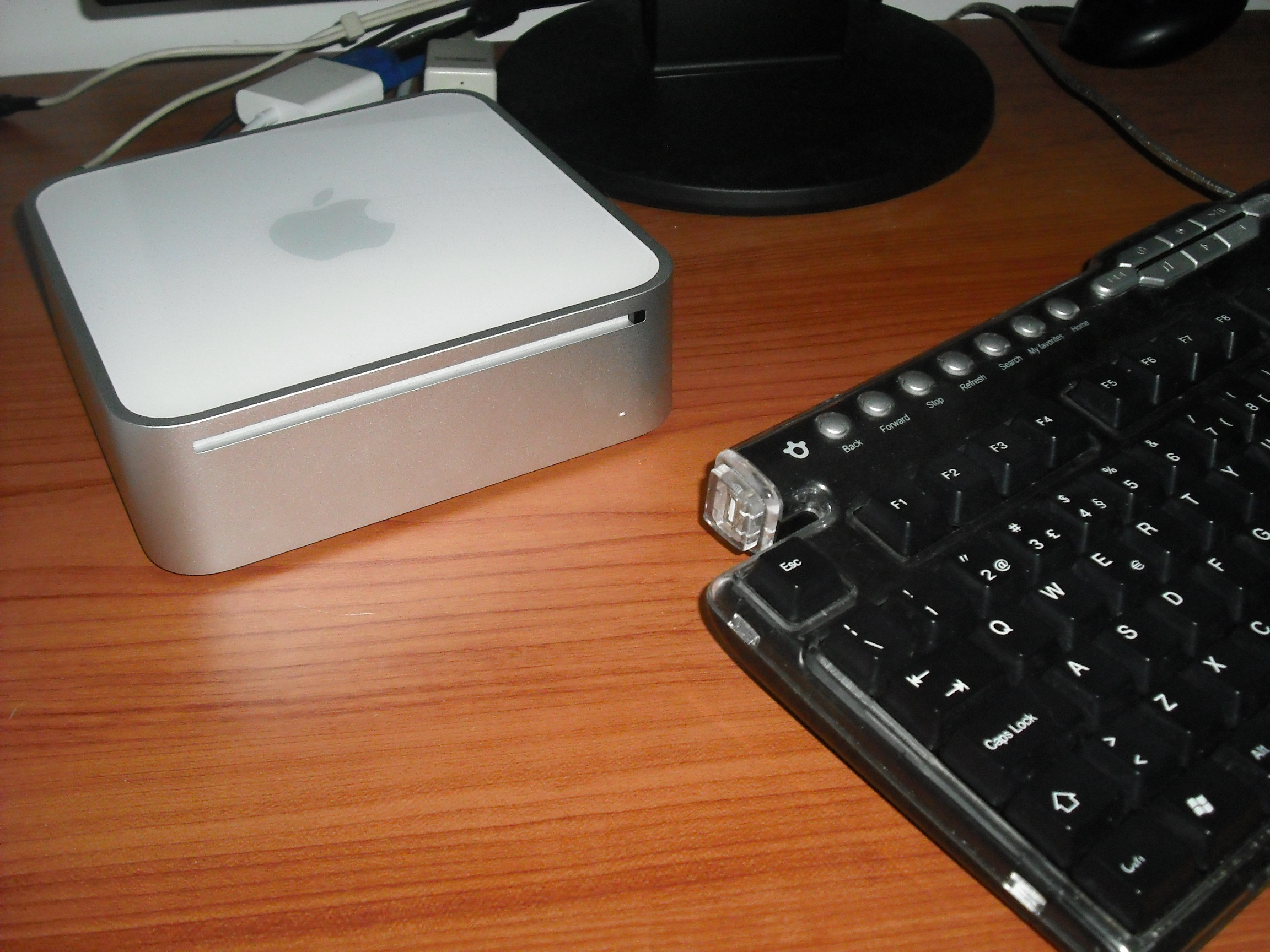
Here’s a picture of it near the keyboard, it’s really small.
Now, moving on to the development part, on MacOS your IDE is XCode.
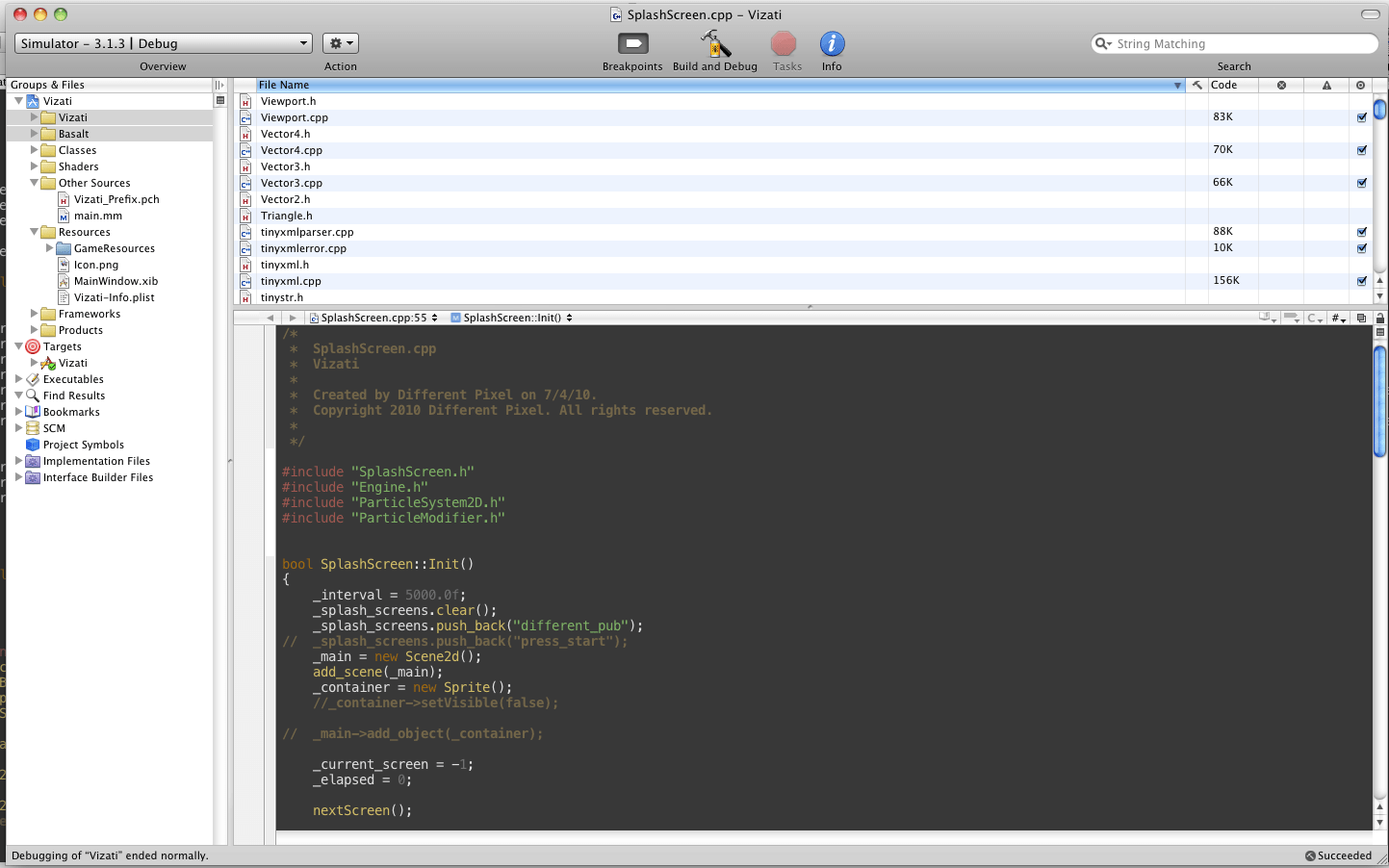
It’s no Visual Studio but it gets the job done. Has some strange shortcuts but I’ve found a neat shortcut pdf.
Next was my struggle for testing available engines and frameworks and learning how much of Objective-C do you have to know and can I run C++ on it?
I tested some engines:
Cocos2D – 2D engine, Purely Objective-C, very consistent API, it’s was very close to my way of making things on Basalt actually, with scenes and layers.
SIO2 – Mainly 3D stuff, might be a good starting point, it’s mainly coded in C++, has built in physics, Lua, lightning and shadow
OolongEngine – 3D engine, imports .3dsmax and .blend, bullet physics
Bork3D – C++ engine based on Rude Engine. Seems good but I could only find one game made with it from the author itself, lacks documentation but at least it works. Had major performance issues on the iPad sample that comes with the SDK.
I research a little on those well know tools such as Unity3D, ITorque, etc but those kind of editor aren’t really my thing.
At one point I convinced myself that the way to go would be learning Objective-C since most tutorials for iPhone are written using it, it’s Iphone OS native language and everyone recommends learning it, but after a few hours watching the amount of square brackets that things has on it I decided another way.
I ported my C# engine Basalt to C++, literally making .h and .cpp files. I hooked up my main animation and draw pump to some Objective-C classes (don’t forget to use .mm if you are mixing Objective-C with C++) and everything started working.
The next bit was implementing the SpriteBatch class and make it draw in OpenGL, took me around two days to have the Matrices working, correct texture mapping to quads, Alpha Blend and Additive. The idea is that by the time I port an XNA game to C++ I can still use SpriteBatches, Texture2D etc.
After these two weeks of development here’s what’s working:
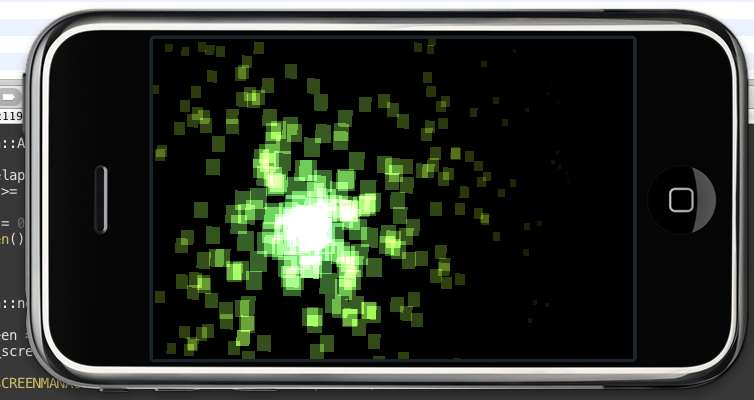
- Draw Sprites – SpriteBatch is working, texture regions, SpriteBlendModes, Matrices etc
- Sprite Animations
- Particle System 2D – Although not a priority it allowed me to test Additive
- Independent Resolution Rendering – Wasn’t much of deal actually, it’s basically a matrix
- JPG/PNG load – I made this in Objective-C, 20 lines of code or so
Here’s a video showing what I have so far:
Next in my list is Input, Script, music and then porting the whole game to C++, which I think will work nicely once the whole engine base is done.
Oh, and probably try to get a real device for proper testing.
PS: Monkey Island 2 Special Edition is awesome….