I’ve seen this quite a bit around on XNA forums and got 2 emails last week asking about this:
I want to make a 3000×3000 grass background by tiling this small grass image I have. Should I make one big image or should I make a for cycle drawing the image (3000/TileSize) times?
My answer is neither of them. The big image has a huge impact on every Draw and more, you are limiting your map to the max Texture Size the graphic card can handle.
The drawing lots of small images can actually work, if they are few. Let’s say your small texture size is 64×64. That means in order to fill up the 3000×3000 you have to draw it (3000/64) = 47 times. Since it’s a 3000×3000 that sums to (47×47) = 2209 Draws. Just for a background. Not to mention the rest of the actual game 😛
What if you could do this in just one Draw()?
It’s very very easy to achieve this effect by setting TextureAddressMode to Wrap. Basically giving it a bigger Rectangle but telling to wrap the texture so you are gonna get tiles =)
     spriteBatch.Begin(SpriteBlendMode.AlphaBlend,SpriteSortMode.Immediate,SaveStateMode.None);
     GraphicsDevice.SamplerStates[0].AddressU = TextureAddressMode.Wrap;
     GraphicsDevice.SamplerStates[0].AddressV = TextureAddressMode.Wrap;
Next we draw a texture with a big source rectangle
     Rectangle source = new Rectangle(0, 0, 400, 200);
     spriteBatch.Draw(texture, Vector2.Zero, source, Color.White, 0, Vector2.Zero, 1.0f, SpriteEffects.None, 0.5f);
So instead of this:
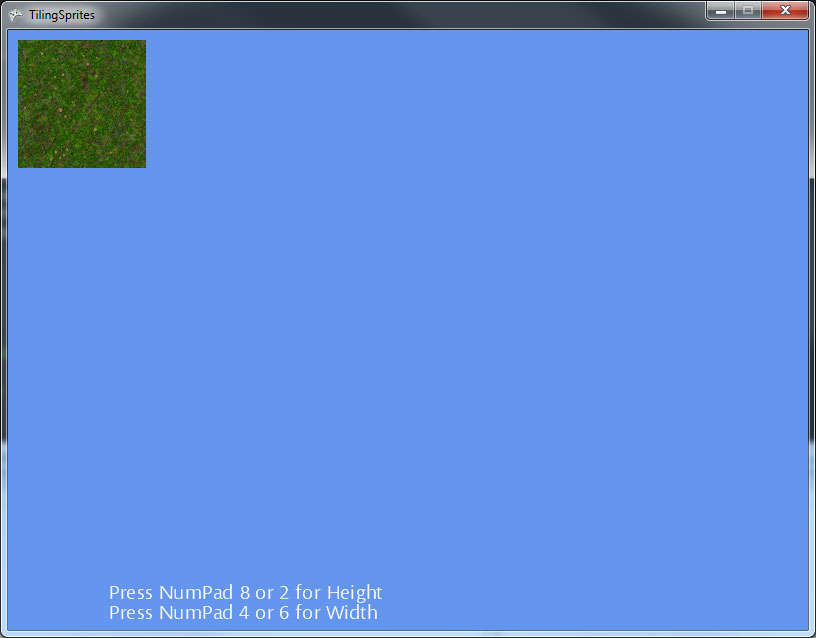
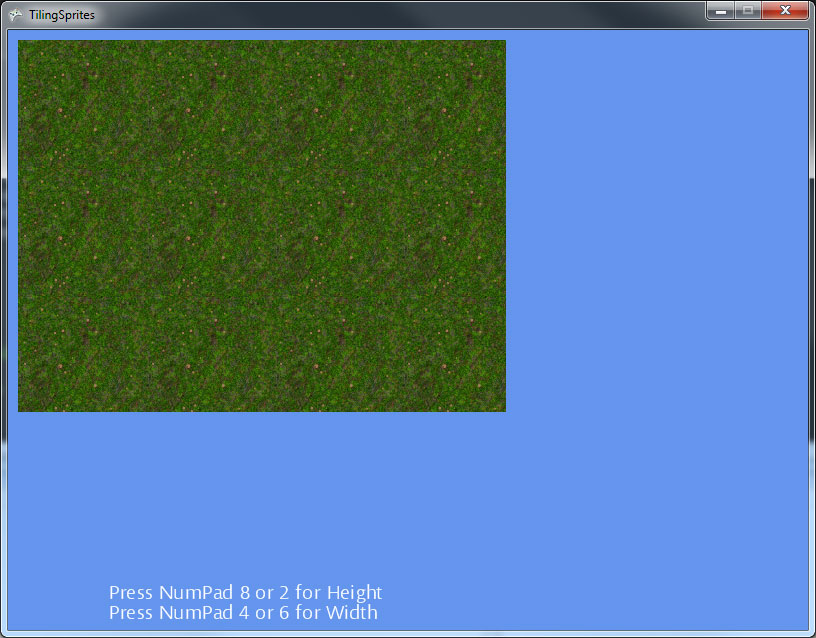
You end up with this:
On a small test I made, using a 30000×30000 Rectangle I got a frame drop to 35 FPS by doing tons of regular Draws, when switching to Wrap mode a solid 60 FPS.
As I told you it’s very easy. I’ll write more advance tutorial one of this days on how to achieve cool effect like mixing two textures with a noise/normal map.
You can play with this sample by downloading it here.