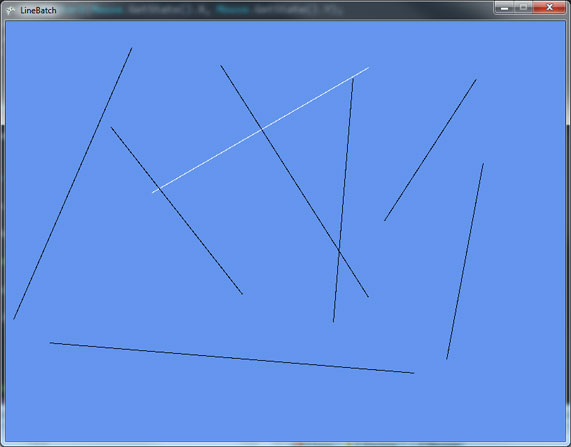
One of the things I realized is very handy when prototyping or debugging is to draw a line on a specific location. Like drawing lines around collision boxes to see if your character is making a proper collision. For my games I’ve made a small LineBatch.
Basically LineBatch uses a SpriteBatch to draw the lines by stretching a 1×1 white Texture2D to your line size.
You can give it 2 points ( start and end point of course) and a color. There’s an overload function that receives the Layer parameter.
LineBatch::DrawLine(SpriteBatch batch, Color color, Vector2 point1, Vector2 point2);
LineBatch::DrawLine(SpriteBatch batch, Color color, Vector2 point1, Vector2 point2, float Layer);
LineBatch is a static class, you only need to call LineBatch::Init(GraphicsDevice) somewhere on your code.
Then use you can use like this:
LineBatch.DrawLine(_spriteBatch,
                          Color.Black,
                          Vector2.Zero,
                          new Vector2(100,300));
I’ve made a small unit test that you can download here. Try clicking the screen to set a start and end point.
Here’s a video showing the result: